
Suchergebnisse für "talking OR pi OR voice OR control OR for OR raspberry OR pi"
-
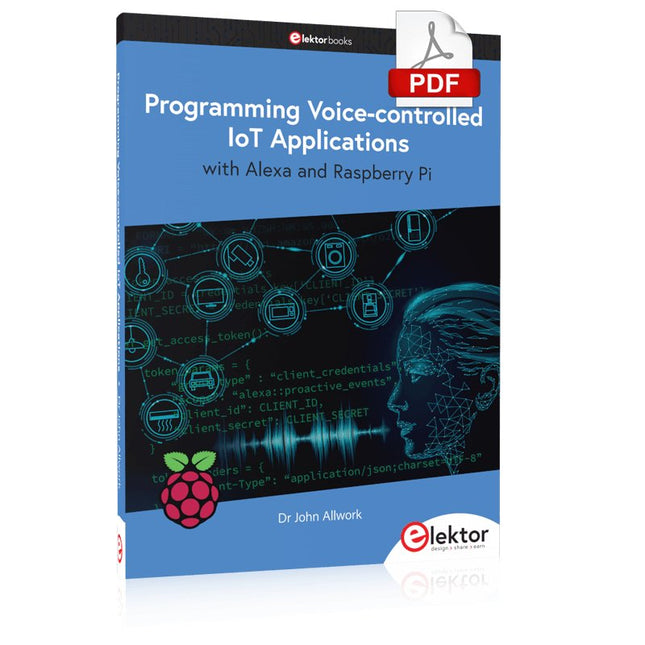
Elektor Digital Programming Voice-controlled IoT Applications with Alexa and Raspberry Pi (E-book)
Learn programming for Alexa devices, extend it to smart home devices and control the Raspberry Pi The book is split into two parts: the first part covers creating Alexa skills and the second part, designing Internet of Things and Smart Home devices using a Raspberry Pi. The first chapters describe the process of Alexa communication, opening an Amazon account and creating a skill for free. The operation of an Alexa skill and terminology such as utterances, intents, slots, and conversations are explained. Debugging your code, saving user data between sessions, S3 data storage and Dynamo DB database are discussed. In-skill purchasing, enabling users to buy items for your skill as well as certification and publication is outlined. Creating skills using AWS Lambda and ASK CLI is covered, along with the Visual Studio code editor and local debugging. Also covered is the process of designing skills for visual displays and interactive touch designs using Alexa Presentation Language. The second half of the book starts by creating a Raspberry Pi IoT 'thing' to control a robot from your Alexa device. This covers security issues and methods of sending and receiving MQTT messages between an Alexa device and the Raspberry Pi. Creating a smart home device is described including forming a security profile, linking with Amazon, and writing a Lambda function that gets triggered by an Alexa skill. Device discovery and on/off control is demonstrated. Next, readers discover how to control a smart home Raspberry Pi display from an Alexa skill using Simple Queue Service (SQS) messaging to switch the display on and off or change the color. A node-RED design is discussed from the basic user interface right up to configuring MQTT nodes. MQTT messages sent from a user are displayed on a Raspberry Pi. A chapter discusses sending a proactive notification such as a weather alert from a Raspberry Pi to an Alexa device. The book concludes by explaining how to create Raspberry Pi as a stand-alone Alexa device.
€ 32,95
Mitglieder: € 29,66
-
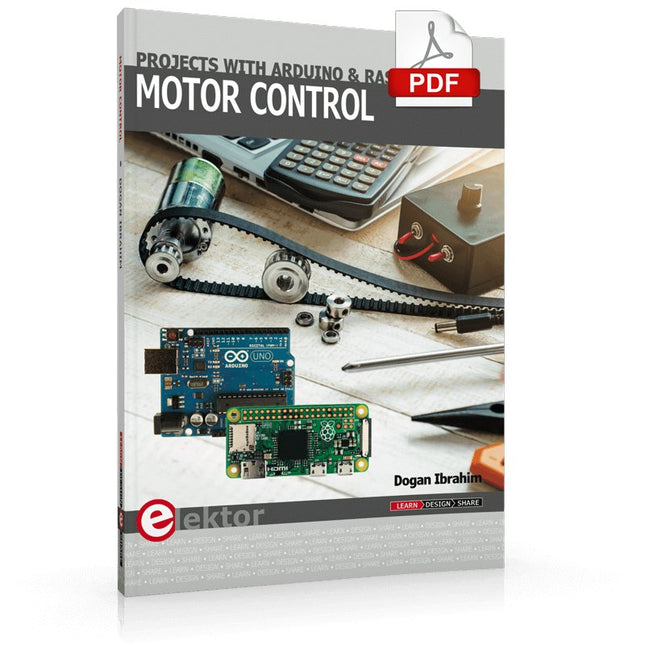
Elektor Digital Motor Control - Projects with Arduino & Raspberry Pi (E-book)
This book is about DC electric motors and their use in Arduino and Raspberry Pi Zero W based projects. The book includes many tested and working projects where each project has the following sub-headings: Title of the project Description of the project Block diagram Circuit diagram Project assembly Complete program listing of the project Full description of the program The projects in the book cover the standard DC motors, stepper motors, servo motors, and mobile robots. The book is aimed at students, hobbyists, and anyone else interested in developing microcontroller based projects using the Arduino Uno or the Raspberry Pi Zero W. One of the nice features of this book is that it gives complete projects for remote control of a mobile robot from a mobile phone, using the Arduino Uno as well as the Raspberry Pi Zero W development boards. These projects are developed using Wi-Fi as well as the Bluetooth connectivity with the mobile phone. Readers should be able to move a robot forward, reverse, turn left, or turn right by sending simple commands from a mobile phone. Full program listings of all the projects as well as the detailed program descriptions are given in the book. Users should be able to use the projects as they are presented, or modify them to suit to their own needs.
€ 29,95
Mitglieder: € 26,96
-
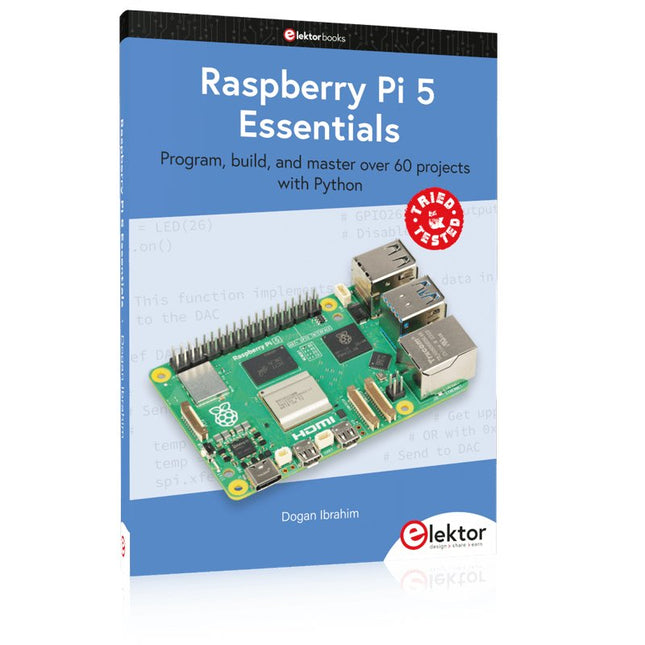
Elektor Publishing Raspberry Pi 5 Essentials
Program, build, and master over 60 projects with Python The Raspberry Pi 5 is the latest single-board computer from the Raspberry Pi Foundation. It can be used in many applications, such as in audio and video media centers, as a desktop computer, in industrial controllers, robotics, and in many domestic and commercial applications. In addition to the well-established features found in other Raspberry Pi computers, the Raspberry Pi 5 offers Wi-Fi and Bluetooth (classic and BLE), which makes it a perfect match for IoT as well as in remote and Internet-based control and monitoring applications. It is now possible to develop many real-time projects such as audio digital signal processing, real-time digital filtering, real-time digital control and monitoring, and many other real-time operations using this tiny powerhouse. The book starts with an introduction to the Raspberry Pi 5 computer and covers the important topics of accessing the computer locally and remotely. Use of the console language commands as well as accessing and using the desktop GUI are described with working examples. The remaining parts of the book cover many Raspberry Pi 5-based hardware projects using components and devices such as LEDs and buzzers LCDs Ultrasonic sensors Temperature and atmospheric pressure sensors The Sense HAT Camera modules Example projects are given using Wi-Fi and Bluetooth modules to send and receive data from smartphones and PCs, and sending real-time temperature and atmospheric pressure data to the cloud. All projects given in the book have been fully tested for correct operation. Only basic programming and electronics experience are required to follow the projects. Brief descriptions, block diagrams, detailed circuit diagrams, and full Python program listings are given for all projects described.
€ 39,95
Mitglieder: € 35,96
-
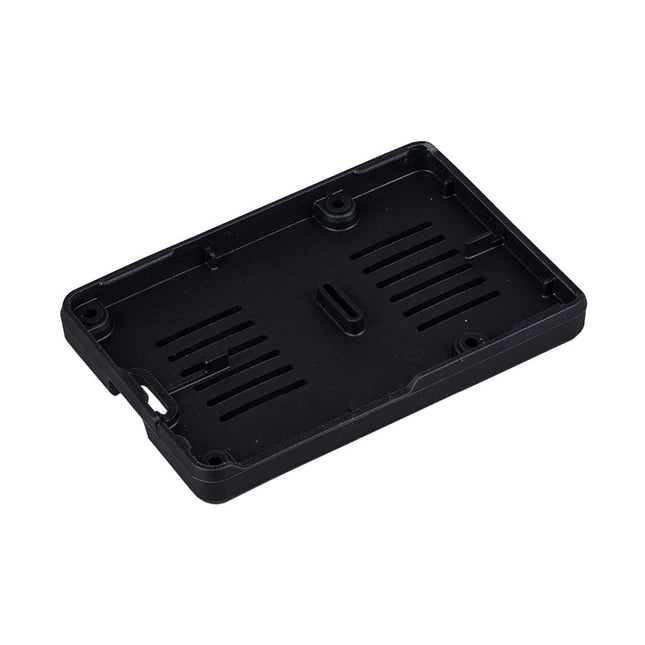
Raspberry Pi Foundation Bumper für Raspberry Pi 5
Der Raspberry Pi Bumper ist eine aufsteckbare Silikonabdeckung, die die Unterseite und die Kanten des Raspberry Pi 5 schützt. Features Einteiliger flexibler Bumper aus Silikonkautschuk Ermöglicht einfachen Zugriff auf den Power-Button Montagelöcher bleiben unter dem Bumper zugänglich Downloads Datasheet
€ 3,50€ 1,40Bestpreis
-
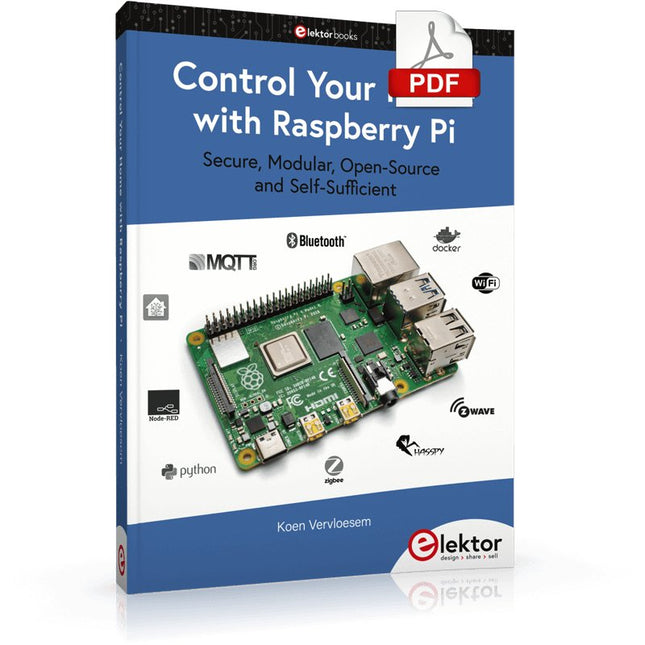
Elektor Digital Control Your Home with Raspberry Pi (E-book)
Secure, Modular, Open-Source and Self-Sufficient Ever since the Raspberry Pi was introduced, it has been used by enthusiasts to automate their homes. The Raspberry Pi is a powerful computer in a small package, with lots of interfacing options to control various devices. This book shows you how you can automate your home with a Raspberry Pi. You’ll learn how to use various wireless protocols for home automation, such as Bluetooth, 433.92 MHz radio waves, Z-Wave, and Zigbee. Soon you’ll automate your home with Python, Node-RED, and Home Assistant, and you’ll even be able to speak to your home automation system. All this is done securely, with a modular system, completely open-source, without relying on third-party services. You’re in control of your home, and no one else. At the end of this book, you can install and configure your Raspberry Pi as a highly flexible home automation gateway for protocols of your choice, and link various services with MQTT to make it your own system. This DIY (do it yourself) approach is a bit more laborious than just installing an off-the-shelf home automation system, but in the process, you can learn a lot, and in the end, you know exactly what’s running your house and how to tweak it. This is why you were interested in the Raspberry Pi in the first place, right? Turn your Raspberry Pi into a reliable gateway for various home automation protocols. Make your home automation setup reproducible with Docker Compose. Secure all your network communication with TLS. Create a video surveillance system for your home. Automate your home with Python, Node-RED, Home Assistant and AppDaemon. Securely access your home automation dashboard from remote locations. Use fully offline voice commands in your own language. Download the software and view the errata for the book on GitHub.
€ 34,95
Mitglieder: € 31,46
-
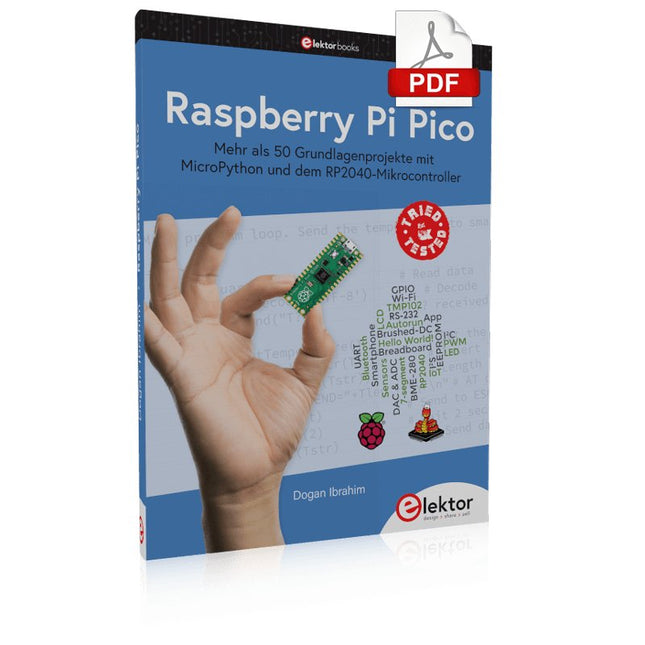
Elektor Digital Raspberry Pi Pico (PDF)
Mehr als 50 Grundlagenprojekte mit MicroPython und dem RP2040-Mikrocontroller Der Raspberry Pi Pico ist eine leistungsstarke Mikrocontroller-Platine, die speziell für das Physical Computing – also hardwarenahe Anwendungen – entwickelt wurde. Der Raspberry Pi Pico kann so programmiert werden, dass er eine einzelne Aufgabe sehr effizient ausführt und ermöglicht so schnelle Steuerungs- und Überwachungsanwendungen in Echtzeit. Der 'Pico', wie wir ihn nennen, basiert auf dem schnellen, effizienten und kostengünstigen Dual-Core ARM Cortex-M0+ RP2040 Mikrocontroller-Chip, der mit bis zu 133 MHz läuft und über 264 KB SRAM und 2 MB Flash-Speicher verfügt. Neben dem großen Speicher hat der Pico noch weitere attraktive Eigenschaften, darunter eine große Anzahl von GPIO-Pins sowie gängige Schnittstellen wie ADC, SPI, I²C, UART und PWM. Als Krönung bietet der Chip schnelle und genaue Timer, eine Hardware-Debug-Schnittstelle und einen internen Temperatursensor. Zur Programmierung lassen sich leicht die gängigen Hochsprachen wie MicroPython oder C/C++ verwenden. Dieses Buch ist eine Einführung in die Verwendung des Pico mit der Programmiersprache MicroPython. In allen Projekten wird die Thonny-Entwicklungsumgebung (IDE) eingesetzt. Über 50 Projekte decken folgende Themen ab: Installation von MicroPython auf dem Raspberry Pi Pico Timer-Interrupts und externe Interrupts Projekte mit Analog-Digital-Wandler (ADC) Verwendung des internen sowie externer Temperatursensoren Datenlogger Projekte zur PWM, UART, I²C-Bus und SPI-Bus Wi-Fi und Bluetooth für die Kommunikation mit Smartphones Projekte mit dem Digital-Analog-Wandler (DAC) Alle in diesem Buch vorgestellten Projekte wurden vollständig getestet und sind funktionsfähig. Es werden keine Programmier- oder Elektronikkenntnisse vorausgesetzt, um sie nachzuvollziehen. Für alle beschriebenen Projekte gibt es kurze Beschreibungen, Blockdiagramme, detaillierte Schaltpläne und vollständige MicroPython-Programmlistings. Die Listings sind auch auf der zum Buch gehörenden Elektor-Webseite zu finden.
€ 32,80
Mitglieder: € 29,52
-
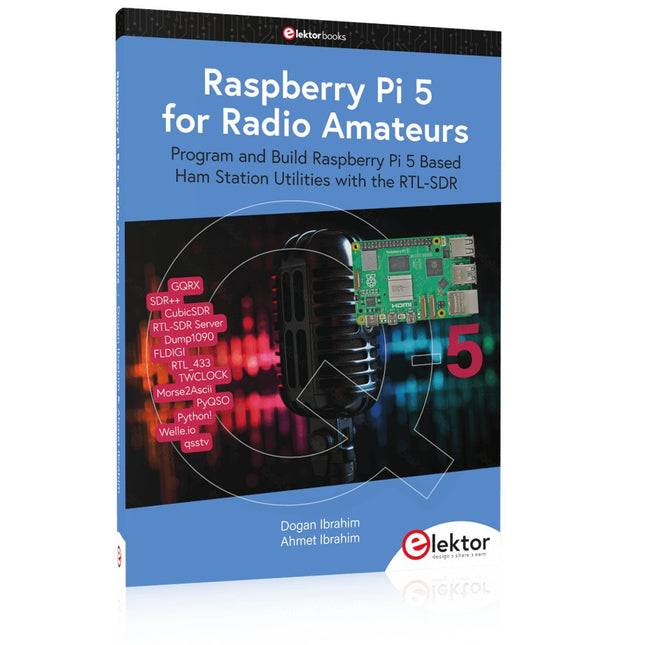
Elektor Publishing Raspberry Pi 5 for Radio Amateurs
Program and Build Raspberry Pi 5 Based Ham Station Utilities with the RTL-SDR The RTL-SDR devices (V3 and V4) have gained popularity among radio amateurs because of their very low cost and rich features. A basic system may consist of a USB based RTL-SDR device (dongle) with a suitable antenna, a Raspberry Pi 5 computer, a USB based external audio input-output adapter, and software installed on the Raspberry Pi 5 computer. With such a modest setup, it is possible to receive signals from around 24 MHz to over 1.7 GHz. This book is aimed at amateur radio enthusiasts and electronic engineering students, as well as at anyone interested in learning to use the Raspberry Pi 5 to build electronic projects. The book is suitable for both beginners through experienced readers. Some knowledge of the Python programming language is required to understand and eventually modify the projects given in the book. A block diagram, a circuit diagram, and a complete Python program listing is given for each project, alongside a comprehensive description. The following popular RTL-SDR programs are discussed in detail, aided by step-by-step installation guides for practical use on a Raspberry Pi 5: SimpleFM GQRX SDR++ CubicSDR RTL-SDR Server Dump1090 FLDIGI Quick RTL_433 aldo xcwcp GPredict TWCLOCK CQRLOG klog Morse2Ascii PyQSO Welle.io Ham Clock CHIRP xastir qsstv flrig XyGrib FreeDV Qtel (EchoLink) XDX (DX-Cluster) WSJT-X The application of the Python programming language on the latest Raspberry Pi 5 platform precludes the use of the programs in the book from working on older versions of Raspberry Pi computers.
€ 39,95
Mitglieder: € 35,96
-

Elektor Bundles Learn Edge AI with Raspberry Pi
Mit diesem Praxis-Bundle können Sie echte Edge-AI-Anwendungen mit dem Raspberry Pi entwickeln Raspberry Pi AI HAT+ (13 TOPS) Das Raspberry Pi AI HAT+ ist eine Erweiterungsplatine für den Raspberry Pi 5, die einen integrierten Hailo AI-Beschleuniger enthält. Dieses Add-on bietet einen kostengünstigen, effizienten und leicht zugänglichen Ansatz für die Integration von leistungsstarken KI-Funktionen, mit Anwendungen in den Bereichen Prozesssteuerung, Sicherheit, Heimautomatisierung und Robotik. Das AI HAT+ wird über die PCIe Gen3-Schnittstelle des Raspberry Pi 5 angeschlossen. Wenn auf dem Raspberry Pi 5 eine aktuelle Version des Raspberry Pi OS läuft, erkennt es automatisch den integrierten Hailo-Beschleuniger und macht die neuronale Verarbeitungseinheit (NPU) für KI-Aufgaben verfügbar. Darüber hinaus unterstützen die im Raspberry Pi OS enthaltenen rpicam-apps Kameraanwendungen das KI-Modul nahtlos und nutzen die NPU automatisch für kompatible Nachbearbeitungsfunktionen. Raspberry Pi Camera Module 3 Raspberry Pi Camera Module 3 ist eine Kompaktkamera von Raspberry Pi. Es bietet einen IMX708 12-Megapixel-Sensor mit HDR und verfügt über einen Autofokus mit Phasenerkennung. Das Camera Module 3 ist in Standard- und Weitwinkelvarianten erhältlich, die beide mit oder ohne Infrarot-Sperrfilter erhältlich sind. Das Camera Module 3 kann sowohl Full-HD-Videos als auch Fotos aufnehmen und bietet einen HDR-Modus mit bis zu 3 MP. Sein Betrieb wird vollständig von der libcamera-Bibliothek unterstützt, einschließlich der schnellen Autofokus-Funktion des Camera Module 3: Dies macht es für Anfänger einfach zu bedienen und bietet gleichzeitig viel für fortgeschrittene Benutzer. Das Camera Module 3 ist mit allen Raspberry-Pi-Modellen kompatibel. Buch: Edge AI Made Practical – AI Projects for the Raspberry Pi with the AI HAT+ Edge-KI revolutioniert Alltagsgeräte, indem sie Intelligenz genau dort integriert, wo sie am wichtigsten ist: direkt in der Hardware. Dank On-Device-Inferenz kann eine Kamera Besucher sofort erkennen, ein Smartphone Sprache übersetzen, ohne Audio in die Cloud zu streamen, und ein Wearable Anomalien in Echtzeit erkennen – schnell, datenschutzfreundlich und zuverlässig, selbst wenn die Netzwerkverbindung ausfällt. Dieses Buch ist Ihr praktischer Leitfaden zum Bau solcher Systeme mit dem Raspberry Pi AI HAT+ und dem Hailo-8L-Beschleuniger. Sie beginnen mit den Grundlagen: Kernkonzepte von KI und maschinellem Lernen, Funktionsweise neuronaler Netze und die wesentlichen Unterschiede zwischen Edge AI und Cloud AI – sowie eine ehrliche Betrachtung ethischer Aspekte und zukünftiger Auswirkungen. Dieses Bundle enthält: Buch: Edge AI Made Practical Raspberry Pi AI HAT+ (13 TOPS) Raspberry Pi Camera Module 3 Aktiver Kühler für Raspberry Pi 5 FPC Display-Kabel für Raspberry Pi 5 (300 mm) Elektor Komponenten-Kit 40-poliger GPIO-Header Ampelmodul Rote LED, 5 V, mit integriertem Widerstand Gelbe LED, 5 V, mit integriertem Widerstand Grüne LED, 5 V, mit integriertem Widerstand Blaue LED, 5 V, mit integriertem Widerstand Steckbrett (400 Tie-Points) 10 Dupont-Drähte (male-female) DHT22-Sensormodul Servomotor Erforderlich Raspberry Pi 5
€ 169,95
Bestpreis
-
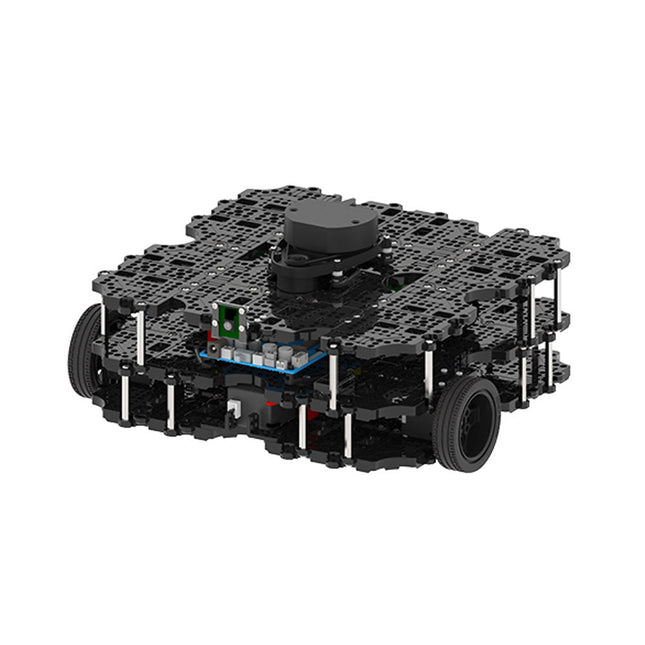
Robotis Robotis TurtleBot3 Waffle Pi (inkl. Raspberry Pi 4)
Weltweit beliebteste ROS-Plattform TurtleBot ist der beliebteste Open-Source-Roboter für Bildung und Forschung. Die neue Generation TurtleBot3 ist ein kleiner, kostengünstiger, voll programmierbarer, ROS-basierter mobiler Roboter. Er ist für Bildung, Forschung, Hobby und Produktprototyping gedacht. Erschwingliche Kosten TurtleBot wurde entwickelt, um die kostenbewussten Bedürfnisse von Schulen, Laboren und Unternehmen zu erfüllen. TurtleBot3 ist der erschwinglichste Roboter unter den SLAM-fähigen mobilen Robotern, die mit einem 360°-Laser-Distanzsensor LDS-01 ausgestattet sind. ROS Standard Die Marke TurtleBot wird von Open Robotics verwaltet, das ROS entwickelt und pflegt. Heutzutage ist ROS die bevorzugte Plattform für alle Robotiker auf der ganzen Welt geworden. TurtleBot kann mit bestehenden ROS-basierten Roboterkomponenten integriert werden, aber TurtleBot3 kann eine erschwingliche Plattform für diejenigen sein, die mit dem Erlernen von ROS beginnen möchten. Erweiterbarkeit TurtleBot3 ermutigt Benutzer, seine mechanische Struktur mit einigen alternativen Optionen anzupassen: Open Source Embedded Board (als Steuerplatine), Computer und Sensoren. Der TurtleBot3 Waffle Pi ist eine zweirädrige Plattform mit Differentialantrieb, kann aber strukturell und mechanisch in vielerlei Hinsicht angepasst werden: Autos, Fahrräder, Anhänger und so weiter. Erweitern Sie Ihre Ideen jenseits der Vorstellungskraft mit verschiedenen SBC, Sensoren und Motoren auf einer skalierbaren Struktur. Modularer Aktuator für mobilen Roboter TurtleBot3 ist in der Lage, durch den Einsatz von 2 DYNAMIXEL's in den Radgelenken präzise räumliche Daten zu erhalten. Die DYNAMIXEL der XM-Serie können in einem von 6 Betriebsmodi betrieben werden (XL-Serie: 4 Betriebsmodi): Geschwindigkeitsregelung für die Räder, Drehmomentregelung oder Positionsregelung für die Gelenke, usw. DYNAMIXEL kann auch für die Herstellung eines mobilen Manipulators verwendet werden, der leicht ist, aber mit Geschwindigkeits-, Drehmoment- und Positionssteuerung präzise gesteuert werden kann. DYNAMIXEL ist eine Kernkomponente, die den TurtleBot3 perfekt macht. Er ist einfach zu montieren, zu warten, zu ersetzen und neu zu konfigurieren. Offene Steuerplatine für ROS Die Steuerplatine ist sowohl hardware- als auch softwareseitig für die ROS-Kommunikation offengelegt. Die Open-Source-Steuerungsplatine OpenCR1.0 ist leistungsfähig genug, um nicht nur DYNAMIXELs, sondern auch ROBOTIS-Sensoren zu steuern, die häufig für grundlegende Erkennungsaufgaben auf kostengünstige Weise verwendet werden. Verschiedene Sensoren wie z. B. Berührungssensor, Infrarotsensor, Farbsensor und eine Handvoll weiterer sind verfügbar. Das OpenCR1.0 verfügt über einen IMU-Sensor im Inneren des Boards, so dass es die präzise Steuerung für unzählige Anwendungen verbessern kann. Das Board verfügt über 3,3 V, 5 V und 12 V Stromversorgungen, um die verfügbaren Computergeräte zu verstärken. Open Source Die Hardware, Firmware und Software von TurtleBot3 sind Open Source, was bedeutet, dass die Benutzer willkommen sind, die Quellcodes herunterzuladen, zu ändern und zu teilen. Alle Komponenten des TurtleBot3 werden aus kostengünstigem Kunststoff im Spritzgussverfahren hergestellt, die 3D-CAD-Daten sind jedoch auch für den 3D-Druck verfügbar. Technische Daten Maximale Translationsgeschwindigkeit 0,26 m/s Maximale Rotationsgeschwindigkeit 1,82 rad/s (104.27 deg/s) Maximale Nutzlast 30 kg Abmessungen (L x B x H) 281 x 306 x 141 mm Gewicht (+ SBC + Batterie + Sensoren) 1,8 kg Schwelle des Kletterns 10 mm oder niedriger Voraussichtliche Betriebsdauer 2h Voraussichtliche Ladezeit 2h 30m SBC (Single Board Computer) Raspberry Pi 4 (2 GB RAM) MCU 32-bit ARM Cortex-M7 mit FPU (216 MHz, 462 DMIPS) Fernbedienung RC-100B + BT-410 Set (Bluetooth 4, BLE) Aktuator XL430-W210 LDS (Laser-Abstandssensor) 360 Laser-Abstandssensor LDS-01 or LDS-02 Kamera Raspberry Pi Camera Module v2.1 IMU Gyroskop 3 AchsenBeschleunigungsmesser 3 Achsen Stromanschlüsse 3,3 V/800 mA5 V/4 A12 V/1 A Erweiterungspins GPIO 18 PinsArduino 32 Pin Peripherie 3x UART, 1x CAN, 1x SPI, 1x I²C, 5x ADC, 4x 5-pin OLLO DYNAMIXEL Ports 3x RS485, 3x TTL Audio Several programmable beep sequences Programmierbare LEDs 4x User LED Status-LEDs 1x Board Status LED1x Arduino-LED1x Power-LED Tasten und Schalter 2x Drucktasten, 1x Reset-Taste, 2x Dip-Schalter Akku Lithium Polymer 11,1 V 1800 mAh / 19,98 Wh 5C PC-Verbindung USB Firmware-Upgrade via USB / via JTAG Netzadapter (SMPS) Eingang: 100-240 VAC 50/60 Hz, 1,5 A @maxAusgang: 12 VDC, 5 A Downloads ROS Robot Programming GitHub E-Manual Community
€ 1.879,00
Bestpreis
-
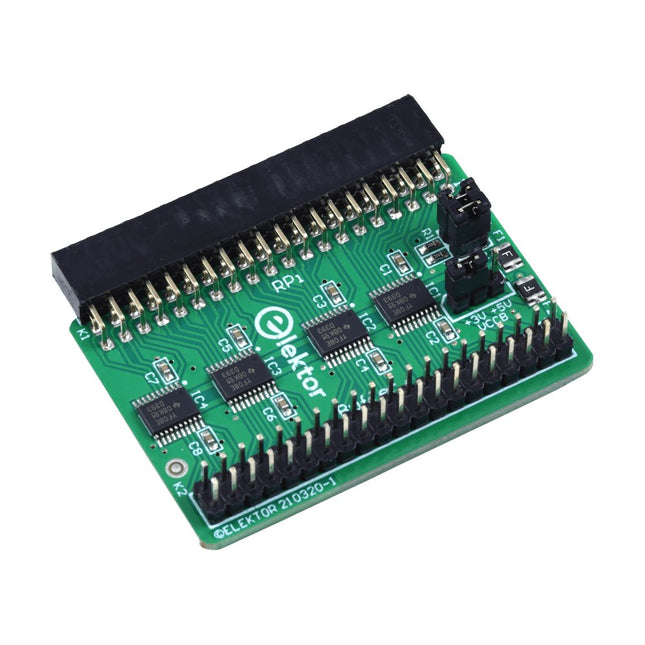
Elektor Labs Elektor Raspberry Pi Buffer Board
Wenn Sie regelmäßig mit dem Raspberry Pi experimentieren und eine Vielzahl von externer Hardware über die Stiftleiste an den GPIO-Port anschließen, haben Sie in der Vergangenheit vielleicht schon einige Schäden verursacht. Das Elektor Raspberry Pi Buffer Board ist dazu da, dies zu verhindern! Das Board ist kompatibel mit Raspberry Pi Zero, Zero 2 (W), 3, 4, 5, 400 und 500. Alle 26 GPIOs sind mit bidirektionalen Spannungswandlern gepuffert, um den Raspberry Pi beim Experimentieren mit neuen Schaltungen zu schützen. Die Platine ist dafür vorgesehen, auf der Rückseite des Raspberry Pi 400/500 eingesetzt zu werden. Der Stecker zum Anschluss an den Raspberry Pi ist eine rechtwinklige 40-polige Buchse (2x20). Die Platine ist nur ein wenig breiter. An die Pufferausgangsbuchse kann ein 40-poliges Flachbandkabel mit entsprechenden 2x20-Steckern angeschlossen werden, um z. B. mit einer Schaltung auf einem Breadboard oder einer Platine zu experimentieren. Die Schaltung verwendet 4x TXS0108E ICs von Texas Instruments. Die Platine lässt sich auch auf einem Raspberry Pi aufstellen. Downloads Schematics Layout
€ 34,95
Mitglieder: € 31,46
-
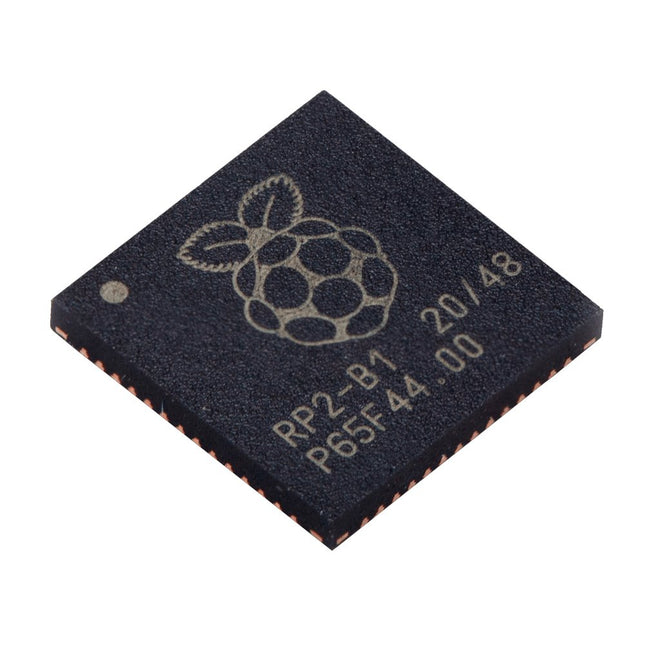
Raspberry Pi Foundation Raspberry Pi RP2040 Microcontroller (10 pcs)
Technische Spezifikationen Zwei ARM Cortex-M0+ mit 133 MHz 264 kB On-Chip-SRAM in sechs unabhängigen Bänken Unterstützung für bis zu 16 MB Off-Chip-Flash-Speicher über dedizierten QSPI-Bus DMA-Steuerung Vollständig angeschlossene AHB-Crossbar Interpolator- und Integer-Teiler-Peripherie On-Chip programmierbarer LDO zur Erzeugung der Kernspannung 2x On-Chip-PLLs zur Erzeugung von USB- und Kerntakten 30x GPIO-Pins, von denen 4 als Analogeingänge verwendet werden können Peripheriegeräte 2x UARTs 2x SPI-Steuerungen 2x I²C-Steuerungen 16x PWM-Kanäle USB 1.1-Controller und PHY, mit Host- und Geräteunterstützung 8x PIO-Zustandsmaschinen Was Sie erhalten 10x nackte RP2040-Chips
€ 7,95€ 3,18Bestpreis

-
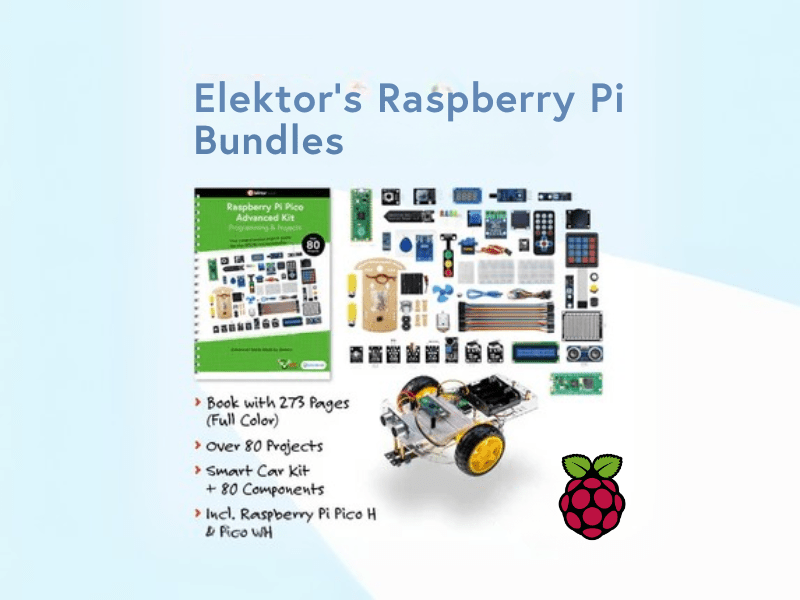
, von Lobna Belarbi Elektors Raspberry Pi Bundles: Von Einsteiger-Sets bis zu fortgeschrittenen Kits
Finde das perfekte Raspberry Pi Bundle für dein Erfahrungsniveau Egal, ob du gerade erst in die Welt des Raspberry Pi eintauchst oder bereits anspruchsvolle Projekte...
