
Suchergebnisse für "elektor or embedded or systems or design or and or programming or course"
-
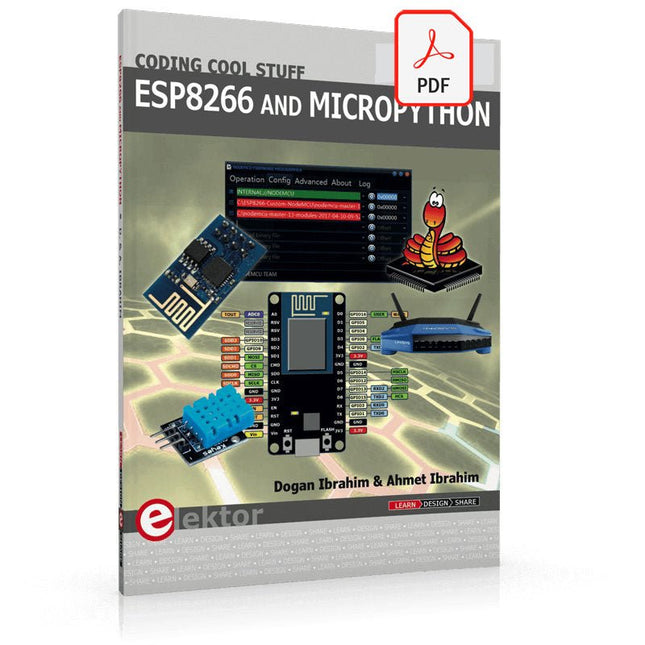
Elektor Digital ESP8266 and MicroPython (E-book)
Recently, the development of a tiny chip called the ESP8266 has made it possible to interface any type of microcontroller to a Wi-Fi AP. The ESP8266 is a low-cost tiny Wi-Fi chip having fully built-in TCP/IP stack and a 32-bit microcontroller unit. This chip, produced by Shanghai based Chinese manufacturer Espressif System, is IEEE 802.11 b/g/n Wi-Fi compatible with on-chip program and data memory, and general purpose input-output ports. Several manufacturers have incorporated the ESP8266 chip in their hardware products (e.g. ESP-xx, NodeMCU etc) and offer these products as a means of connecting a microcontroller system such as the Android, PIC microcontroller or others to a Wi-Fi. The ESP8266 is a low-power chip and costs only a few Dollars. ESP8266 and MicroPython – Coding Cool Stuff is an introduction to the ESP8266 chip and describes the features of this chip and shows how various firmware and programming languages such as the MicroPython can be uploaded to the chip. The main aim of the book is to teach the readers how to use the MicroPython programming language on ESP8266 based hardware, especially on the NodeMCU. Several interesting and useful projects are given in the e-book (pdf) to show how to use the MicroPython in NodeMCU type ESP8266 hardware: Project “What shall I wear today?”: You will be developing a weather information system using a NodeMCU development board together with a Text-to-Speech processor module. Project “The Temperature and Humidity on the Cloud”: You will be developing a system that will get the ambient temperature and humidity using a sensor and then store this data on the cloud so that it can be accessed from anywhere. Project “Remote Web Based Control”: You will be developing a system that will remotely control two LEDs connected to a NodeMCU development board using an HTTP Web Server application.
€ 29,95
Mitglieder: € 26,96
-

Elektor Digital Elektor July/August 2021 (PDF) EN
LoRa with the Raspberry Pi PicoFun with MicroPython What Is RISC-V?And Why the Industry Is So Excited About a New Processing Core! Elektor @ 60Circuits of Summer Past Versatile Power Supply for BreadboardsPositive and Negative Voltages Out of 5 V from USB Raspberry Pi Pico EssentialsSample Chapter: Wi-Fi with the Raspberry Pi Pico Magnetic Levitation the Easy Way Hands On the Parallax Propeller 2Part 3: Smart Pins and Serial Data (UART) Nucleo Boards Programming with the STM32CubeIDESample Chapter: FreeRTOS for the STM32 MCU Developer's ZoneTips & Tricks, Best Practices and Other Useful Information Miniware DT71 Digital Tweezers Wearable Wi-Fi Gadget: ESPHome Does the Job Again Starting out in ElectronicsEasier Than Imagined! This Concludes the Subject of “Capacitors” Simple Sketches Using the Qwiic Ecosystem Java on the Raspberry Pi (Part 2)Controlling GPIOs with a Spring REST Service Raspberry Pi Compute Module 4A Raspberry Pi for Industry Portable, Stand-Alone Air Quality Display for 2.5 µm ParticlesKeep(s) an Eye on Your Health From Life’s ExperienceThe Future Was Better in the Past MicroPython for the ESP32 and FriendsPart 1: Installation and Our First Programs Charge-Coupled Devices in OscilloscopesPeculiar Parts, the series ESD – The Invisible DestroyerComponents Trashed by a Bolt from the Blue Solar Power for Mowing RobotsEcological, Inexpensive, Simple! Europe’s Efforts to Tame Big Tech HexadokuThe Original Elektorized Sudoku
€ 7,50
-

Elektor Digital BBC micro:bit (E-book)
35 Touch Develop & MicroPython Projects The BBC micro:bit is a credit sized computer based on a highly popular and high performance ARM processor. The device is designed by a group of 29 partners for use in computer education in the UK and will be given free of charge to every secondary school student in the UK. The device is based on the Cortex-M0 processor and it measures 4 x 5 cm. It includes several important sensors and modules such as an accelerometer, magnetometer, 25 LEDs, 2 programmable push-button switches, Bluetooth connectivity, micro USB socket, 5 ring type connectors, and a 23-pin edge connector. The device can be powered from its micro USB port by connecting it to a PC, or two external AAA type batteries can be used. This book is about the use of the BBC micro:bit computer in practical projects. The BBC micro:bit computer can be programmed using several different programming languages, such as Microsoft Block Editor, Microsoft Touch Develop, MicroPython, and JavaScript. The book makes a brief introduction to the Touch Develop programming language and the MicroPython programming language. It then gives 35 example working and tested projects using these language. Readers who learn to program in Touch Develop and MicroPython should find it very easy to program using the Block Editor or any other languages. The following are given for each project: Title of the project Description of the project Aim of the project Touch Develop and MicroPython program listings Complete program listings are given for each project. In addition, working principles of the projects are described briefly in each section. Readers are encouraged to go through the projects in the order given in the book.
€ 24,95
Mitglieder: € 22,46
-

Elektor Digital Elektor November/December 2021 (PDF)
BEELDVERWERKING MET DE NVIDIA JETSON NANO (DEEL 2)Beeldherkenning met Edge Impulse NIEUWS VAN ELEKTOR JUMPSTARTERNieuwe campagnes EEN OPEN SOURCE-PLATFORM VOOR GPS-TRACKINGMet Traccar voertuigen volgen zonder gebruik te maken van een cloudserver JOY-IT LCR-T7 MULTIFUNCTIONELE TESTERVoor passieve componenten, discrete halfgeleiders en IR RUISSYNTHESIZERVan ruis naar muziek met de PRBSynth1 ALLE BEGIN......speelt verder met de spoel KENNISMAKING MET NEURONEN IN NEURALE NETWERKEN (DEEL 2)Logische Neuronen BEVEILIGINGSPROBLEMEN? BESTRIJD VUUR MET VUUR!Met flitslampje beveiligde analoge geheugenuitbreiding voor de verzendbox met manipulatie-indicatie LCR METER POSTER BLUETOOTH-BAKENS IN DE PRAKTIJKindoor-plaatsbepaling PROGRAMMEREN IN C OP DE RASPBERRY PICommunicatie via WiFi (een hoofdstuk als voorbeeld) EMC PRE-COMPLIANCE TEST VOOR UW DC-GEVOED PROJECT (DEEL 2)De hardware en het gebruik ervan KENNISMAKING MET DE PARALLAX PROPELLER 2 (DEEL 5)Smart Pin-Functie MODBUS VIA WLAN (DEEL 1)Hardware en programmering OOST WEST LAB BEST... waar de Junior Computer weer tot leven is gewekt BOUW ZELF EEN NAUWKEURIGE KALIBRATOR-10 V tot +10 V, 0 tot 40 mA, 0,001% REVIEW: ARDUINO NANO RP2040 CONNECTRaspberry Pi RP2040 + WiFi + Bluetooth DE FYSIEKE KANT VAN KUNSTMATIGE INTELLIGENTIE PROJECT 2.0Correcties, Updates en Brieven van lezers MAAK GUI'S MET PYTHONIntroductie in guizero CO2-METER-BOUWKIT VOOR IN DE KLASEen ESP8266-project van de University of Applied Sciences Aachen NOSTALGISCHE MK484 MW/LW-RADIO...Altijd leuk om te bouwen! ELEKTOR @ 60Laat er licht zijn! HEXADOKUThe Original Elektorized Sudoku
€ 9,95
-
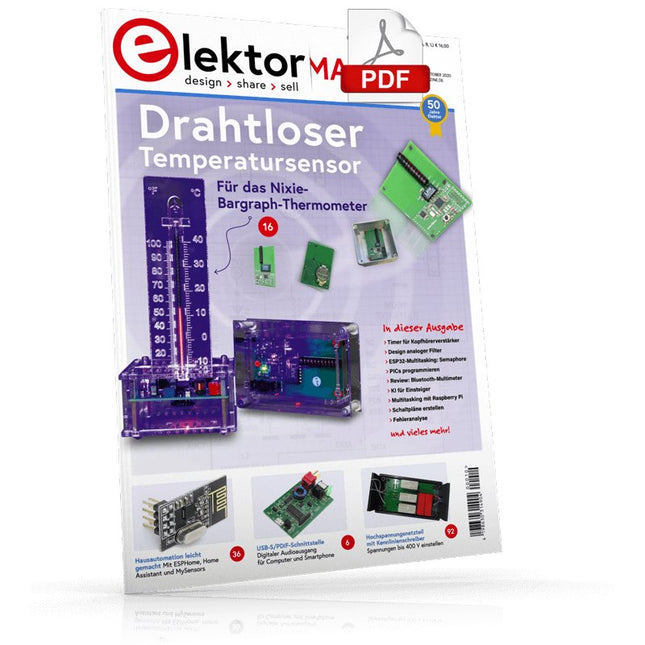
Elektor Digital Elektor 09-10/2020 (PDF)
USB-S/PDIF-SCHNITTSTELLEDigitaler Audioausgang für Computer, Laptop, Tablet oder Smartphone PRAKTISCHES ESP32-MULTITASKING (4)Binäre Semaphore DRAHTLOSER TEMPERATURSENSORfür das Nixie-Bargraph-Thermometer MULTITASKING MIT RASPBERRY PIAm Beispiel einer Ampelsteuerung TIMER FÜR KOPFHÖRERVERSTÄRKER OPEN-NETWORK-WETTERSTATION MARK 2Teil 2: Software HAUSAUTOMATION LEICHT GEMACHTMit ESPHome, Home Assistant und MySensors DIE SPEICHER-KATHODENSTRAHLRÖHREBemerkenswerte Bauteile KI FÜR EINSTEIGER (3)Ein eigenes Neuronales Netz PICS PROGRAMMIEREN - VON DER PIKE AUFSinusschwingung mit Assembler IKEA-HACKTuning einer preiswerten Ikea-Lampe mit NeoPixel-LEDs und WLAN LASSEN SIE IHR HOBBYPROJEKT NICHT IN DER ECKE VERSTAUBENAngebotsorientiertes Zeitmanagement und spiralförmige Entwicklung ALLER ANFANG...muss nicht schwer sein! ZUTRIFF FÜR UNBEFUGTE VERBOTEN!Ein Blick ins Allerheiligste aller Elektroniker 8-BIT-MIKROCONTROLLER UND DARÜBER HINAUSInterview mit Tam Hanna VON DER PIKE AUF GELERNTAus der Elektor-Ideenkiste REVIEW: BLUETOOTH-MULTIMETER OWON OW18E INTERAKTIVKorrekturen & Upadates || Fragen & Antworten AUS DEM LEBEN GEGRIFFENBleifreies Löten und das europäische Regelwerk EIN VIELVERSPRECHENDES PROJEKT: NEUES LCR-MESSGERÄT FÜR 50 HZ BIS 2 MHZMessgenauigkeit und Komfort FEHLERANALYSETipps zu FMEA, hohen Strömen und mehr VON ENTWICKLERN FÜR ENTWICKLERTipps & Tricks, Best Practices und andere nützliche Infos REVIEW: ELEKTRONISCHE LAST SIGLENT SDL1020X-E HOCHSPANNUNGSNETZTEIL MIT KENNLINIENSCHREIBERSpannungen bis 400 V einstellen und Kennlinien für Röhren und Transistoren erstellen HEXADOKUSudoku für Elektroniker DESIGN ANALOGER FILTER (TEIL 1) SCHALTPLÄNE ERSTELLEN
€ 11,90
-

Elektor Digital ARM Microcontrollers 2 (NL) | E-book
Dit is een ideaal boek voor hobbyisten, studenten en ingenieurs die op een leuke manier C en het gebruik van een mbed ARM microcontroller willen leren, rechtstreeks op internet zonder ingewikkelde software-installatie. De projecten in dit boek zijn bedoeld voor gevorderden op het gebied van ARM microcontrollers of de programmeertaal C. Dat wil zeggen dat de kennis uit deel 1 van deze serie bekend verondersteld wordt. Cloud technologie De in dit boek gebruikte mbed NXP LPC1768 maakt gebruik van cloud-technologie, een revolutionair concept voor software-ontwikkeling. Dit houdt in dat u geen software hoeft te installeren om de mbed te kunnen programmeren! Het enige dat u nodig heeft, is een internet-browser zoals Microsoft Internet Explorer, en een USB-poort op uw PC. U kunt vanaf elke willekeurige PC waar dan ook ter wereld toegang krijgen tot uw project en er aan verder werken. Wanneer u klaar bent, kunt u met een paar eenvoudige klikjes met uw muis het programma overzetten naar uw mbed-hardware. Uiteraard kunt u de projecten ook downloaden en op uw eigen PC opslaan wanneer u dat liever heeft. In een deel van de projecten wordt Visual Basic gebruikt; dit gratis pakket is nog niet in de cloud beschikbaar en moet wel op uw PC geïnstalleerd worden. Onderwerpen die aan de orde komen Leer het programmeren van een ARM microcontroller via cloud-technologie. Geen ARM ontwikkelsoftware-installatie op uw eigen PC. Leer hoe u een ARM microcontroller met internet kunt verbinden, hoe u via internet uw ARM kunt bedienen en hoe u vanaf de ARM microcontroller tweets kunt versturen. Leer hoe u een CMUcam camera kunt aansturen en toepassen in uw applicaties, bijvoorbeeld als alarm. Leer hoe u met behulp van de gratis PC programmeertaal Visual Basic met uw ARM microcontroller kunt communiceren met gebruik van multi-threading. Voorbeelden van projecten in dit boek: internet-server, automatisch twitteren, digitaal naar analoog conversie, USB HID, automatisch metingen in een spreadsheet plaatsen, met een camera bewegingen waarnemen, seriële communicatie met een zelfgeschreven PC-programma, gebruik van een LCD en SPI en I²C communicatie.
€ 29,95
Mitglieder: € 26,96
-

Elektor Digital Technisches Konstruieren mit OpenSCAD (PDF)
Modelle für 3D-Druck, CNC-Fräsen, Prozesskommunikation und Dokumentation erstellen Das Design dreidimensionaler Modelle mit Werkzeugen wie Blender oder 3D Studio Max ist eine Aufgabe, die ingenieurwissenschaftlich begabte Personen nur allzu gern delegieren. OpenSCAD wählt einen erfrischend anderen Zugang. Anstatt ein Objekt als Punktwolke zu betrachten, schreibt der Modellerzeuger in einer an JavaScript erinnernden Sprache ein Programm. Dieses beschreibt die zu erzeugende Geometrie als eine Serie von Arbeitsschritten. Dreidimensionale Modelle entstehen so in einem Workflow, der an die Entwicklung klassischer ingenieurwissenschaftliche Güter erinnert. Wegen der Nähe zur manuellen Fertigung mit Werkzeug ist das ein Prozess, der Ingenieuren gut in die Hände spielt. Aber Achtung: trotz der Einfachheit der Syntax ist OpenSCAD kein primitives Modellierungsprogramm. Umfangreiche Scriptingmöglichkeiten sorgen dafür, dass sich die Modelle dynamisch an geänderte Situationen anpassen. Dieses Lehrbuch demonstriert die Möglichkeiten von OpenSCAD anhand praktischer Beispiele. Freuen Sie sich auf Ersatzknöpfe für ein LeCroy-Oszilloskop, Garderobenstangenhalter, einen Halter für Seifenspender und diverse andere Beispiele aus dem realen Leben. Der mit mehr als 15 Dienstjahren Erfahrung ausgestattete Autor entwickelte dieses für Linux und Windows gleichermaßen geeignete Buch explizit für informatikaffine Personen. Wenn Sie mit irgendeiner Programmiersprache Erfahrung haben, ist dieses Buch ihr Weg zum schnellen und unbürokratischen Erzeugen dreidimensionaler Modelle.
€ 29,80
Mitglieder: € 26,82
-
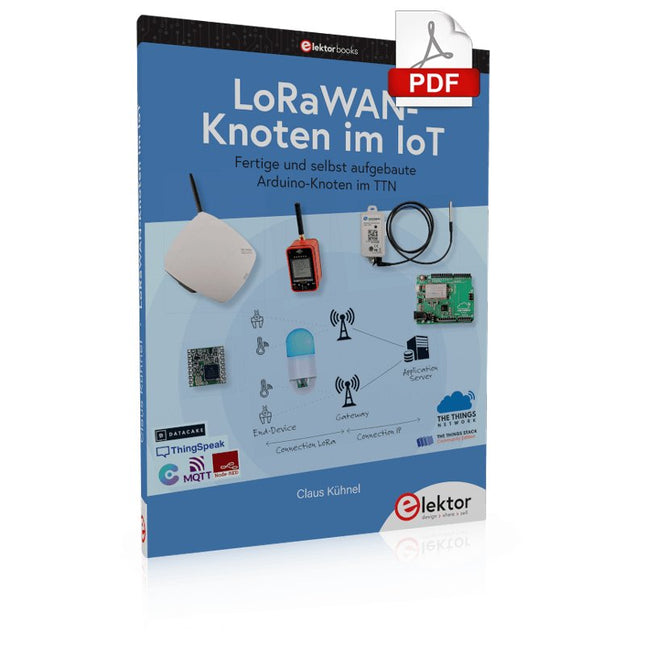
Elektor Digital LoRaWAN-Knoten im IoT (PDF)
Fertige und selbst aufgebaute Arduino-Knoten im TTN LoRaWAN hat sich als Kommunikationslösung im IoT hervorragend entwickelt. The Things Network (TTN) hat hierzu seinen Beitrag geleistet. Aktuell wird The Things Network auf The Things Stack Community Edition (TTS (CE)) aktualisiert. Die Cluster von TTN V2 werden gegen Ende 2021 geschlossen. Der Autor zeigt Ihnen die notwendigen Schritte, damit Sie in gewohnter Weise LoRaWAN-Knoten mit Hilfe von TTS (CE) betreiben und vielleicht auch das Netz der Gateways durch ein eigenes Gateway erweitern. Mittlerweile gibt es sogar für den mobilen Einsatz geeignete LoRaWAN-Gateways mit denen Sie über Ihr Mobiltelefon Verbindung zum TTN-Server aufbauen können. In diesem Buch werden eine Reihe kommerzieller und Arduino-basierter LoRaWAN-Knoten als auch neue, kostengünstige und für den Batteriebetrieb geeignete Hardware zum Aufbau autonomer LoRaWAN-Knoten vorgestellt. Die Registrierung von LoRaWAN-Knoten und Gateways im TTS (CE) sowie die Bereitstellung der erhobenen Daten über MQTT und die Visualisierung über Node-RED, Cayenne, Thingspeak und Datacake ermöglichen komplexe IoT-Projekte und völlig neue Anwendungen zu sehr geringen Kosten. Das vorliegende Buch versetzt Sie in die Lage, mit batteriebetriebenen Sensoren (LoRaWAN-Knoten) erfasste Daten drahtlos im Internet bereitzustellen und zu visualisieren. Sie lernen die Grundlagen für Smart-City- und IoT-Anwendungen, die beispielsweise die Messung von Luftqualität, Wasserständen, Schneehöhen, das Ermitteln von freien Parkfeldern (Smart Parking) und die intelligente Steuerung der Straßenbeleuchtung (Smart Lighting) u.a.m. ermöglichen.
€ 32,80
Mitglieder: € 29,52
-

Elektor Publishing Les oscilloscopes anciens & modernes pour les débutants
Ce qui se passe en électronique est par définition invisible à l'oeil nu. L'instrument qui permet précisément de rendre visibles les signaux électriques, celui par le truchement duquel les effets de l'électronique se manifestent à nous, c'est l'oscilloscope. Hélas, quand on commence à faire de l'électronique, c'est souvent sans oscilloscope. Et l'on en est réduit à tâtonner, aussi bien physiquement que mentalement. Le jour où l'on goûte à la visualisation des signaux sur un écran, c'est une révélation. Plus personne ne souhaite se priver de cet enchantement. Pas de retour en arrière. En électronique, si l'on veut progresser dans le plaisir et dans la compréhension, il faut un oscillo. Commence alors une période d'interrogation : comment choisir ? Et à peine cette question-là aura-t-elle trouvé sa réponse, il en viendra une ribambelle d'autres que l'on peut résumer en une seule : comment se servir de l'oscilloscope de telle sorte que ce qu'il affiche corresponde bien à la réalité des signaux ? Dans ce livre, Rémy Mallard, répond clairement à ces questions. Il donne aussi de nombreuses informations pour aider son lecteur à élucider lui-même de nouveaux mystères qui ne manqueront pas de surgir. Ceux qui le connaissent déjà comme l'auteur d'un livre sur l'électronique dont le titre est un programme à lui tout seul : L'électronique pour les débutants qui sèchent les cours mais soudent sans se brûler les doigts, ainsi que d'un livre d'initiation à la programmation des microcontrôleurs PIC, savent qu'ils trouveront ici un ouvrage utile, qu'ils rouvriront souvent.
€ 44,95
Mitglieder: € 40,46
-

Elektor Digital Building Wireless Sensor Networks with OpenThread (E-book)
Developing CoAP applications for Thread networks with Zephyr This book will guide you through the operation of Thread, the setup of a Thread network, and the creation of your own Zephyr-based OpenThread applications to use it. You’ll acquire knowledge on: The capture of network packets on Thread networks using Wireshark and the nRF Sniffer for 802.15.4. Network simulation with the OpenThread Network Simulator. Connecting a Thread network to a non-Thread network using a Thread Border Router. The basics of Thread networking, including device roles and types, as well as the diverse types of unicast and multicast IPv6 addresses used in a Thread network. The mechanisms behind network discovery, DNS queries, NAT64, and multicast addresses. The process of joining a Thread network using network commissioning. CoAP servers and clients and their OpenThread API. Service registration and discovery. Securing CoAP messages with DTLS, using a pre-shared key or X.509 certificates. Investigating and optimizing a Thread device’s power consumption. Once you‘ve set up a Thread network with some devices and tried connecting and disconnecting them, you’ll have gained a good insight into the functionality of a Thread network, including its self-healing capabilities. After you’ve experimented with all code examples in this book, you’ll also have gained useful programming experience using the OpenThread API and CoAP.
€ 32,95
Mitglieder: € 29,66
-

Elektor Digital Elektor Juli/Augustus 2022 PDF (NL)
Goedkope audiotestermet PC-gebaseerde software en een USB-audio-interface AC-netfrequentiemeterbewaakt netfrequentie en -spanning Een kleine inductiemeterbetaalbare oplossing voor de werkbank Zweven op geluidsgolvende Makerfabs Acoustic Levitation Kit nader bekeken Alle begin......gaat gelijkrichten FFWD: de blik weer naar voren! Aan de slag met je oscilloscoopzo gebruik je de knoppen en schakelaars Een MSF-SDR met de Raspberry Pi Picodecodeer het tijdsignaal met een Pi Pico-SDR Bodemvochtsensoren voor beregeningssystemenautomatische beregening Onrust op de markt voor test- en meetapparatuurkleine spelers innoveren Elektor Infographics Inspiratie, daar draait het omInterview met Ondernemer Walter Arkesteijn, InnoFaith Beauty Sciences EMC-storingen door opslagspoelen minimaliseren GUI’s maken met Python:Boter-kaas-en-eieren Jeroen en Jan blijven pionieren Eenvoudige analoge ESR-metermet draaispoelmeter-precisie Sigfox CO2-stoplichtzonder WiFi-netwerk! Vrouwen in de techniek“Het gaat allemaal om verdienste tot verdienste tieten heeft” Low-budget tablet-oscilloscoop ADS1013Dwaar voor je geld? Anatomie van smart plugsWelke zijn hacker-vriendelijk? Huidimpedantie en huidcapaciteitexperimenteel onderzocht Uit het leven gegrepenGeen sant in eigen land De Pokit Meter bekekeneen Zwitsers zakmes onder de meetinstrumenten HexadokuPuzzelen voor elektronici
€ 9,95
-

Elektor Digital Elektor May/June 2022 (PDF)
Your First Steps with an ESP32-C3 and the IoTA Wi-Fi Button and Relay IoT Cloud a la Arduino Dual Geiger-Müller Tube Arduino ShieldA High Sensitivity, Very Low-Power Radiation Sensor CO2 GuardA DIY Approach to Monitoring Air Quality MonkMakes Air Quality Kit for Raspberry PiMeasures Temperature and eCO2 Starting Out in ElectronicsWelcome to the Diode Tips & Tricks for Testing ComponentsNo Expensive Equipment Required Reducing the Power Consumption of Your Mole RepellerAn ATtiny13 Replaces a 555 Light Switch DeLuxA Solution for High-Precision Light-Controlled Switching The Challenges in Bringing IoT Solutions to MarketWorries Around Security, Scalability, and Competition Infographics 5-6/2022 Preferably Wired After AllTips for Developing a 1 Gbit/s Interface in an Industrial Environment Bringing Real-Time Object Detection to MCUs with Edge Impulse FOMO Traveling-Wave TubesPeculiar Parts, the Series Narrowband Internet of ThingsStandards, Coverage, Agreements, and Modules Dragino LPS8 Indoor GatewaySpeedy LoRaWAN Gateway Setup Explore ATtiny Microcontrollers Using C and Assembly LanguageSample Chapter: ATtiny I/O Ports Err-lectronicsCorrections, Updates and Readers’ Letters LoRa GPS Tracker UpdateReceive and Show Location Using a Raspberry Pi Circuit Simulation with TINA Design Suite & TINACloudSample Chapter: Sinusoidal Oscillators From Life’s ExperienceAssembly Line Work The WinUI Graphics Framework for Windows AppsA Small Demo Application GUIs with PythonWorst GUI of the world Off-Grid Solar SystemsElectrical Energy Independent of the Mains Grid The 10-Year SmartphoneRenew Your Expectations HexadokuThe Original Elektorized Sudoku
€ 7,50


