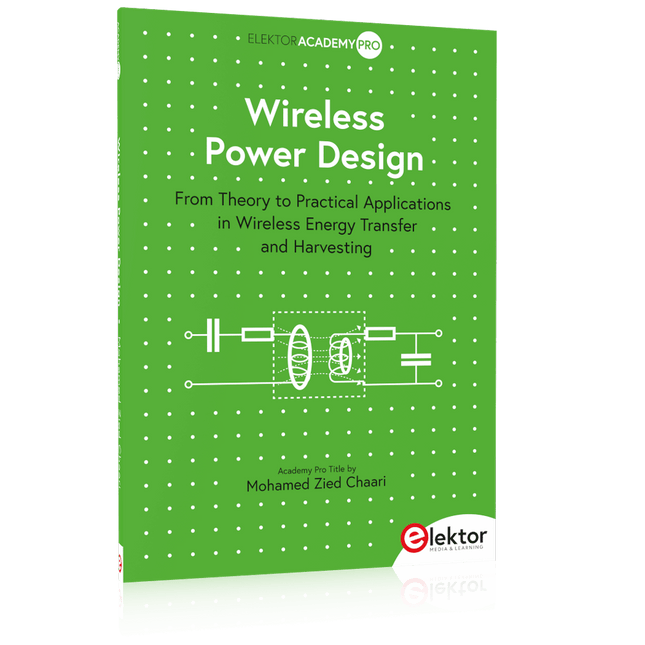
From Theory to Practical Applications in Wireless Energy Transfer and Harvesting
Wireless power transmission has gained significant global interest, particularly with the rise of electric vehicles and the Internet of Things (IoT). It’s a technology that allows the transfer of electricity without physical connections, offering solutions for everything from powering small devices over short distances to long-range energy transmission for more complex systems.
Wireless Power Design provides a balanced mix of theoretical knowledge and practical insights, helping you explore the potential of wireless energy transfer and harvesting technologies. The book presents a series of hands-on projects that cover various aspects of wireless power systems, each accompanied by detailed explanations and parameter listings.
The following five projects guide you through key areas of wireless power:
Project 1: Wireless Powering of Advanced IoT Devices
Project 2: Wireless Powered Devices on the Frontline – The Future and Challenges
Project 3: Wireless Powering of Devices Using Inductive Technology
Project 4: Wireless Power Transmission for IoT Devices
Project 5: Charging Robot Crawler Inside the Pipeline
These projects explore different aspects of wireless power, from inductive charging to wireless energy transmission, offering practical solutions for real-world applications. The book includes projects that use simulation tools like CST Microwave Studio and Keysight ADS for design and analysis, with a focus on practical design considerations and real-world implementation techniques.
A Practical Guide to AI, Python, and Hardware Projects
Welcome to your BeagleY-AI journey! This compact, powerful, and affordable single-board computer is perfect for developers and hobbyists. With its dedicated 4 TOPS AI co-processor and a 1.4 GHz Quad-core Cortex-A53 CPU, the BeagleY-AI is equipped to handle both AI applications and real-time I/O tasks. Powered by the Texas Instruments AM67A processor, it offers DSPs, a 3D graphics unit, and video accelerators.
Inside this handbook, you‘ll find over 50 hands-on projects that cover a wide range of topics—from basic circuits with LEDs and sensors to an AI-driven project. Each project is written in Python 3 and includes detailed explanations and full program listings to guide you. Whether you‘re a beginner or more advanced, you can follow these projects as they are or modify them to fit your own creative ideas.
Here’s a glimpse of some exciting projects included in this handbook:
Morse Code Exerciser with LED or BuzzerType a message and watch it come to life as an LED or buzzer translates your text into Morse code.
Ultrasonic Distance MeasurementUse an ultrasonic sensor to measure distances and display the result in real time.
Environmental Data Display & VisualizationCollect temperature, pressure, and humidity readings from the BME280 sensor, and display or plot them on a graphical interface.
SPI – Voltmeter with ADCLearn how to measure voltage using an external ADC and display the results on your BeagleY-AI.
GPS Coordinates DisplayTrack your location with a GPS module and view geographic coordinates on your screen.
BeagleY-AI and Raspberry Pi 4 CommunicationDiscover how to make your BeagleY-AI and Raspberry Pi communicate over a serial link and exchange data.
AI-Driven Object Detection with TensorFlow LiteSet up and run an object detection model using TensorFlow Lite on the BeagleY-AI platform, with complete hardware and software details provided.
Elektor GREEN and GOLD members can download their digital edition here.
Not a member yet? Click here.
What to expect
This Elektor edition guest-edited by Edge Impulse explores the edge AI workflow, from data collection and model training to deployment and optimization:
End-to-End Edge AIA hands-on object detection series that walks through the complete machine learning pipeline on embedded hardware.
High-Resolution, High-Speed Object Counting (Nvidia Jetson Nano, TensorRT)Pushing inference speed and precision for visual counting applications.
PCB Defect Detection with Computer Vision (Raspberry Pi)Smarter manufacturing through embedded vision.
Smart Building Ventilation with Sensor FusionAI-powered environmental optimization for energy efficiency.
Analog Meter Reading (Arduino Nicla Vision)A TinyML approach to automating analog infrastructure.
Smart Appliance Control Using Voice Commands (Nordic Thingy:53)Speech recognition at the edge.
Liquid Classification with TinyML (Seeed Wio Terminal + TDS Sensor)Combining IoT sensing and embedded ML for fluid analysis.
Surgery Inventory Object DetectionApplying real-time vision to healthcare logistics.
Plus, the magazine includes exclusive interviews with: Edge Impulse co-founders Zach Shelby and Jan Jongboom; Qualcomm Technologies VP of product management Manny Singh; and EDGE AI FOUNDATION CEO Pete Bernard. Also included are a Tech the Future essay titled "AI at the Edge: Powering the Next Generation of Devices," an Industry Case Study on GlobalSense, and more.
Contents
What the Heck Is Edge AI Anyway?Bringing Intelligence to the Device
Meet Edge Impulse StudioEasily Build and Deploy Edge AI Models
Keyword Spotting with Edge ImpulseCollect, Train, and Deploy
Smart Appliance Control Using Voice Commands with the Nordic Thingy:53
Key Terms for Understanding Edge AI and Machine Learning
Crash Course: Getting Started with Edge ImpulseLearn to Collect, Train, and Deploy an ML Model with the Arduino Nano 33 BLE Sense
A New Chapter for ArduinoFrom Hobby Board to Edge Computing Powerhouse
Getting Started with Object Detection on Edge Devices
PCB Defect DetectionComputer Vision with Raspberry Pi
Scaling AI to the Smallest Devices
Optimizing Power Efficiency in Battery-Driven Edge AI Devices
AI ToasterWhen Edge AI Meets Breakfast
Thundercomm Rubik Pi 3Raspberry Pi Familiarity Meets Edge AI
Leadership, Embedded ML, and the Edge Revolution
Vision Language Models for the EdgeCascading Models for Better Reliability
Get to Know Edge ImpulseQuestions from the Elektor Community
Project Update #5: ESP32-Based Energy MeterUsing Edge AI to Recognize Household Loads
Motion Recognition with Anomaly DetectionAn End-to-End Tutorial
Smart Ventilation System: Fusing Sound and Environmental DataA Dual-MCU Machine Learning Approach for Automated Window and Louver Control
Bringing Voice Control to Earbuds and Headsets
AI at the Edge: Powering the Next Generation of Devices
Mastering PCB design with real-world projects
This book builts on KiCad Like a Pro – Fundamentals and Projects and aims to help you practice your new KiCad skills by challenging you in a series of real-world projects. The projects are supported by a comprehensive set of recipes with detailed instructions on how to achieve a variety of simple and complex tasks. Design the PCBs for a solar power supply, an LED matrix array, an Arduino-powered datalogger, and a custom ESP32 board. Understand the finer details of the interactive router, how to manage KiCad project teams with Git, how to use an autorouter on 2 and 4-layer PCBs, and much more.
KiCad 8 is a modern, cross-platform application suite built around schematic and design editors. This stable and mature PCB tool is a perfect fit for electronic engineers and makers. With KiCad 8, you can create PCBs of any complexity and size without the constraints associated with the commercial packages.
Here are the most significant improvements and features in KiCad 8, both over and under the hood:
Modern user interface, completely redesigned from earlier versions
Improved and customizable electrical and design rule checkers
Theme editor allowing you to fully customize the look of KiCad on your screen
Ability to import projects from Eagle, CADSTART, and more
An improved and tightly integrated SPICE circuit simulator
Autorouting with the Freerouting plugin
Filters define which elements of a layout are selectable
Enhanced interactive router helps you draw single tracks and differential pairs with precision
New or enhanced tools to draw tracks, measure distances, tune track lengths, etc.
Enhanced tool for creating filled zones
A customizable coordinate system facilitates data exchange with other CAD applications
Realistic ray-tracing capable 3D viewer
Differential pair routing
Rich repositories of symbol, footprint, and 3D shape libraries
Python scripting API for programmatic customization and extensions
Improved footprint wizard for fast custom footprints
Programming with GNU Radio
HackRF is an open-source hardware platform developed by Great Scott Gadgets and serves as a versatile front end for software-defined radio (SDR). With HackRF One and its successor, HackRF Pro, users can develop their own SDR applications, build powerful receivers and transmitters, and tackle demanding RF measurement tasks.
This book provides a practical introduction to the world of SDR. Step by step, the author shows how powerful SDR projects can be implemented with HackRF – from the fundamentals of RF technology to advanced applications using GNU Radio.
In addition to working with SDR Sharp (SDR#), RadioConda, and GNU Radio, the book also covers the fundamentals of modern digital signal processing. Numerous experiments and easy-to-follow practical examples guide readers through topics such as AM, FM, and SSB reception, digital filters, shortwave radio, amateur radio, signal generators, and custom RF projects up to 6 GHz.
Whether you are a maker, radio amateur, electronics enthusiast, or SDR beginner, this book provides solid knowledge, practical applications, and the motivation to creatively explore the possibilities of modern SDR technology.
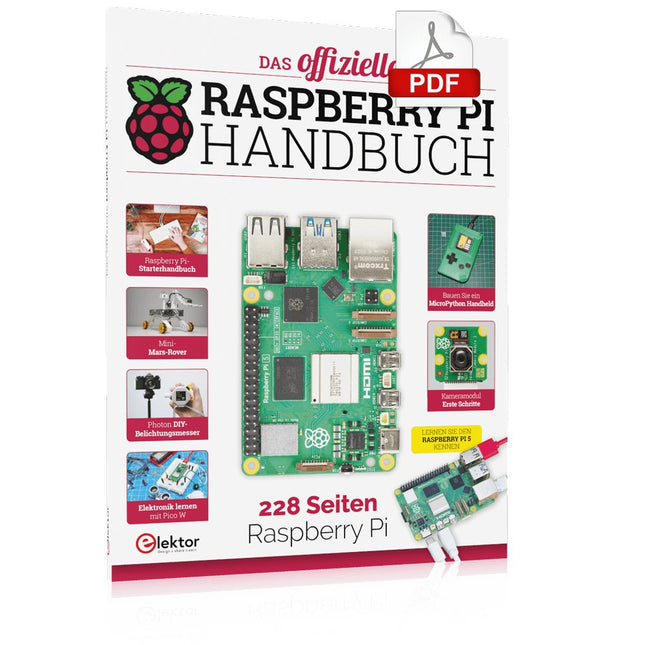
Von den Machern von MagPi, dem offiziellen Raspberry Pi Magazin
Starten Sie jetzt mit dem Raspberry Pi 5, dem neuesten und besten Minicomputer von Raspberry Pi – und lernen Sie, mit diesem unglaublichen Computer zu programmieren und Projekte zu erstellen.
In diesem Buch finden Sie außerdem jede Menge kreative Ideen und Tipps, die Sie mit dem Raspberry Pi 4, dem Raspberry Pi Zero 2 W und dem Raspberry Pi Pico W umsetzen können.
Mit den neuesten Reviews, Tutorials, Projekten, Anleitungen und mehr ist dies Ihre ultimative Ressource für den Raspberry Pi!
228 Seiten über Raspberry Pi
Alles, was Sie über den Raspberry Pi 5 wissen müssen
Erste Schritte für jeden Raspberry Pi
Viel Spaß mit Elektronik und dem Pico W
Inspirierende Projekte für Ihre nächste Bauidee
Lernen Sie MicroPython, indem Sie ein Handheld bauen
Erste Schritte mit dem Raspberry Pi Kamera Modul
Künstliche Intelligenz: Bauen Sie Ihren eigenen GPT Chatbot
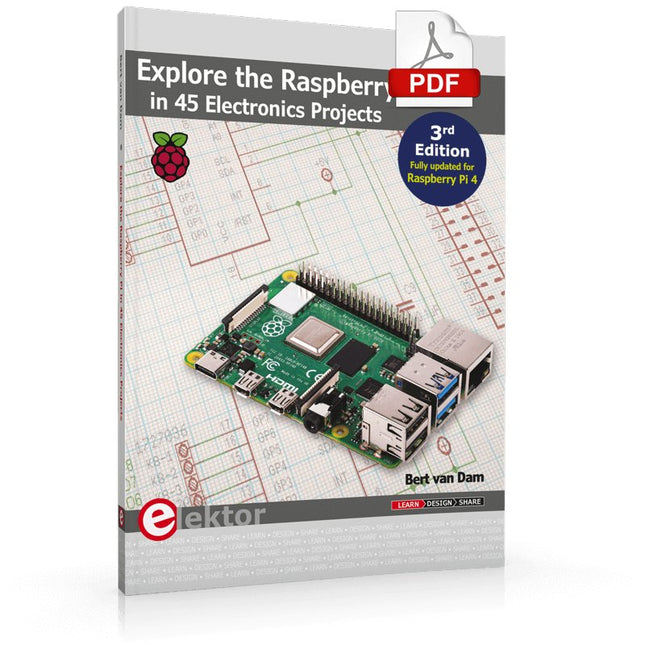
3rd Edition – Fully updated for Raspberry Pi 4
The Raspberry Pi is a very cheap but complete computer system that allows all sorts of electronics parts and extensions to be connected. This book addresses one of the strongest aspects of the Raspberry Pi: the ability to combine hands-on electronics and programming.
Combine hands-on electronics and programming
After a short introduction to the Raspberry Pi you proceed with installing the required software. The SD card that can be purchased in conjunction with this book contains everything to get started with the Raspberry Pi. At the side of the (optional) Windows PC, software is used which is free for downloading. The book continues with a concise introduction to the Linux operating system, after which you start programming in Bash, Python 3 and Javascript. Although the emphasis is on Python, the coverage is brief and to the point in all cases – just enabling you to grasp the essence of all projects and start adapting them to your requirements. All set, you can carry on with fun projects.
The book is ideal for self-study
No fewer than 45 exciting and compelling projects are discussed and elaborated in detail. From a flashing lights to driving an electromotor; from processing and generating analog signals to a lux meter and a temperature control. We also move to more complex projects like a motor speed controller, a web server with CGI, client-server applications and Xwindows programs.
Each project has details of the way it got designed that way
The process of reading, building, and programming not only provides insight into the Raspberry Pi, Python, and the electronic parts used, but also enables you to modify or extend the projects any way you like. Also, feel free to combine several projects into a larger design.
Elektor GREEN en GOLD leden kunnen deze uitgave hier downloaden.
Nog geen lid? Klik hier om een lidmaatschap af te sluiten.
Kleine warmtebeeldcameraeen op Arduino UNO gebaseerde DHZ-oplossing
Project-update #3: ESP32-gebaseerde energiemeterintegratie en test met Home Assistant
2024: een AI-odysseeobjectdetectie verbeteren met verfijnde technieken
De Raspberry Pi gaat AInieuwe kit bevat M.2 HAT+ met AI-versneller
Sensoren voor weerstationswat is de beste keuze?
Lees uw analoge watermeter uit met AI (1)koppel uw oude watermeter met het IoT!
GSM-alarmdraadloze garagebeveiliging
Low-power Thread-devices geoptimaliseerd en onder de loep genomenweinig vermogen... weinig inspanning?
Uit het leven gegrepende genderkloof
Zelfbouw-nevelkamermaak onzichtbare straling zichtbaar
SparkFun Thing Plus Mattereen veelzijdig Matter-gebaseerd IoT development board
IoT-retrofittenRS232-apparaten klaarstomen voor Industry 4.0
Stimuleer het IoT met 8-bit MCU’s
Technologie stimuleert duurzaamheidvooruitgang leidt in veel toepassingen tot efficiënter energiegebruik
AWS voor Arduino en co. (1)AWS IoT ExpressLink in de praktijk
Luchtstroomdetector met alleen een Arduinozonder externe sensoren!
Lekdetectorverbonden met de Arduino-cloud
Kristallenvreemde onderdelen
Universele logger voor de tuinAI-tuinieren komt een stapje dichterbij
Analoge 1kHz-generatorsinussen met geringe vervorming
Miletus: webapps offline gebruikeninclusief toegang tot het systeem en het apparaat!
Van 4G naar 5Gis het echt zo eenvoudig?
Alle begin......gaat symmetrisch
If you can describe it, you can build it
AI coding assistants are changing what makers and solopreneurs can build. Tasks that once demanded weeks of learning a new language, framework, or software stack can now be delegated to an AI—provided you know how to describe the job, judge the result, and keep control of the process.
The Maker’s Guide to AI Coding is a practical guide to doing exactly that. It explains how to work with AI coding tools as collaborators rather than vending machines, how much to delegate, how to write specifications that produce useful results, and how to recognise hallucinations, context drift, overconfidence, and code that runs but is still wrong.
The book is built around four increasingly ambitious projects. You begin with a browser-based RC filter analyser, then develop a live serial data plotter for Arduino and other microcontrollers. Next comes a datasheet questionand- answer tool using retrieval-augmented generation (RAG), followed by a complete multi-user resource booking system with authentication, a database, external services, background jobs, and deployment.
No advanced programming background is required. The emphasis is on thinking clearly, guiding the AI, testing what it produces, and preserving the skills needed to evaluate its work. Along the way, you learn development workflow designed to remain useful as tools evolve.
If you can describe what you want to build, this book shows you how to turn that description into working software.
Measuring Does Not Have to be Expensive
Low-Cost Audio TesterUsing PC-Based Software and a USB Audio Interface
AC Grid Frequency MeterMonitor Mains Frequency and Voltage
A Modest Inductance MeterAn Affordable Solution for Your Workbench
Acoustic Wave HoveringA Look at the Makerfabs Acoustic Levitation Kit
Starting Out in ElectronicsRectifiers E-FFWD: Looking Ahead Again!
Get Started With Your OscilloscopeFind Your Way Through the Knobs and Buttons
Raspberry Pi Pico Makes an MSF-SDRDecode a Time Signal with a Pi Pico SDR
Moisture Sensors for Watering SystemsAutomatic Watering
Disruption in Test and Measurement EquipmentInnovation from the Smaller Players Infographics 7-8/2022
Inspiration, That’s What It’s All AboutInterview with Entrepreneur Walter Arkesteijn, InnoFaith Beauty Sciences Minimizing EMC Interference from Storage Chokes
GUIs with Python (Part 5)Tic-Tac-Toe
Reed RelaysPeculiar Parts, the series Simple Analog ESR Meter With Moving-Coil Meter Precision
Sigfox CO2 Traffic LightNo Wi-Fi Network Needed!
Women in Tech“It's All About Merit Until Merit Has Tits”
Low-Budget Tablet Oscilloscope ADS1013DGood Value for Money?
Smart Plug TeardownWhich Ones Are Hacker-Friendly?
Skin Impedance and Skin CapacitanceSmall Experiments
From Life’s ExperienceNo Local Business
Pokit Meter ReviewA Swiss army knife of test gear
HexadokuThe Original Elektorized Sudoku
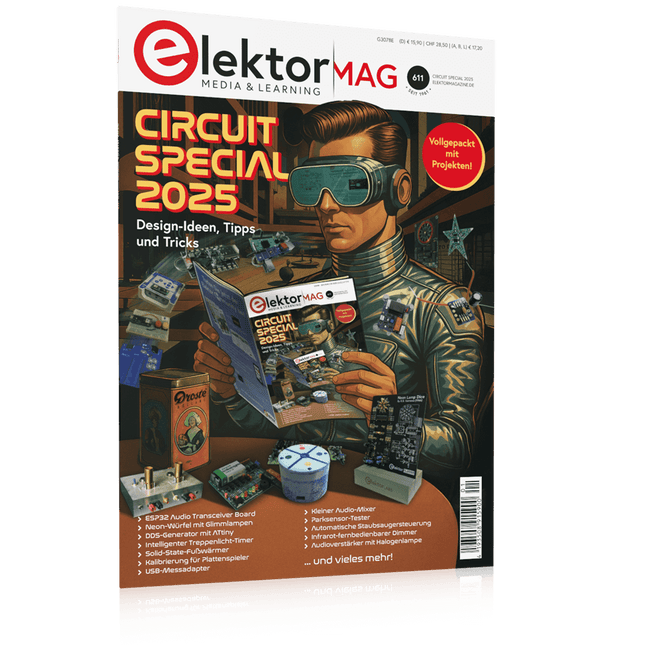
Diese Ausgabe steht allen GOLD- und GREEN-Mitgliedern auf der ElektorMagazine-Website zum Download bereit!
Sie sind noch kein Mitglied? Hier klicken!
USB-MessadapterStrom und Signalqualität von USB-Anschlüssen testen
4...20 mA Stromausgang für Arduino UnoEine zuverlässige, EMI-unempfindliche Stromschleifenschnittstelle
Automatische StaubsaugersteuerungHalten Sie den Arbeitsbereich Ihrer Werkzeuge sauber
DDS-Generator mit ATtiny
Opamp-Tester V2Neue Platine – nun auch für SMDs geeignet
550-mW-„Lamp“-AudioverstärkerDer warme Klang von Röhren – ganz einfach
SicherungswächterSicherung mit Blink-LED überwachen
Hochwertiger RIAA-VorverstärkerHolen Sie das Beste aus Ihren Vinyl-Schallplatten heraus!
Drahzahlkalibrator für PlattenspielerEin Arduino-basierter Stroboskopgenerator mit 100–120 Hz
Infrarot-fernbedienbarer DimmerSteuern Sie Ihre Halogen- oder LED-Stehleuchte mühelos und mit Stil
Wie man switch…case mit Strings in C++/Arduino IDE verwendet
Magnetfindermit einfachem Hall-Effekt-Sensor
Intelligenter Einschaltknopf für Raspberry PiEine Lösung für Raspberry Pi bis zum Modell 4
Essenzielle Maker-TippsProfessionelle Einblicke für den Maker-Alltag
Praktische Projekte mit dem 555-TimerGleichstrommotorsteuerung und Reaktionszeitschallungen
Einfacher AC-Last-Ein-MonitorEnergie sparen mit einem einfachen Gerät
Powerbanks parallel schaltenEine durchgehende Stromversorgung für drei Tage
VFO bis 15 MHzMit Raspberry Pi Pico
Geigen-Stimmgerät mit ATtiny202
Elektor Classics: Video-Eingangsverstärker für S/W-Fernseher
Kapazitätsmesser20 pF bis 600 nF
Quasi-analoges Uhrwerk MkIIZwei LED-Ringe für Stunden und Minuten
Sie können alles tun, was Sie wollen(mit dem Arduino-Ökosystem an Ihrer Seite)
Neon-Würfel mit Glimmlampen
Elektor Classics: Video-Verstärker
Inspirierende Hardware-Designs für Ihre ESPs
Elektor Classics: RTTY-Abgleichanzeige
RGB-LEDs mit integrierter SteuerschaltungLicht mit Präzision: ICLEDs setzen Maßstäbe
Experiment: Auf dem Weg zu einem Mixed-Signal-Theremin?Moderne Time-of-Flight-Sensoren im Zusammenspiel mit dem zeitlosen XR2206-Analoggenerator
ESP32-Audio-Transceiver-Board (Teil 1)SD-Karten-WAV-Player-Demo
Infografiken: Schaltungen & Schaltungsdesign 2025
Kleiner Audio-MixerEinfaches und vielseitiges skalierbares Design
Intelligenter Treppenlicht-TimerEffiziente Lichtsteuerung zur Reduzierung des Energieverbrauchs
Machen Sie Ihre Rollläden smartVelux-Hardware steuern mit ESP32 und MQTT
Solid-State-FußwärmerEnergieeffizienter Komfort
Ist der M5Stamp Fly Quadcopter der nächste Tello?
Erhöhung der WLAN-Reichweite des ESP32-C3 SuperMiniEine einfache und wirkungsvolle Antennenmodifikation
ZD-8968 Heißluft-LötstationEin preisgünstiges Arbeitstier oder nur heiße Luft?
Parksensor-TesterDefekte beim PDC-System am Auto finden
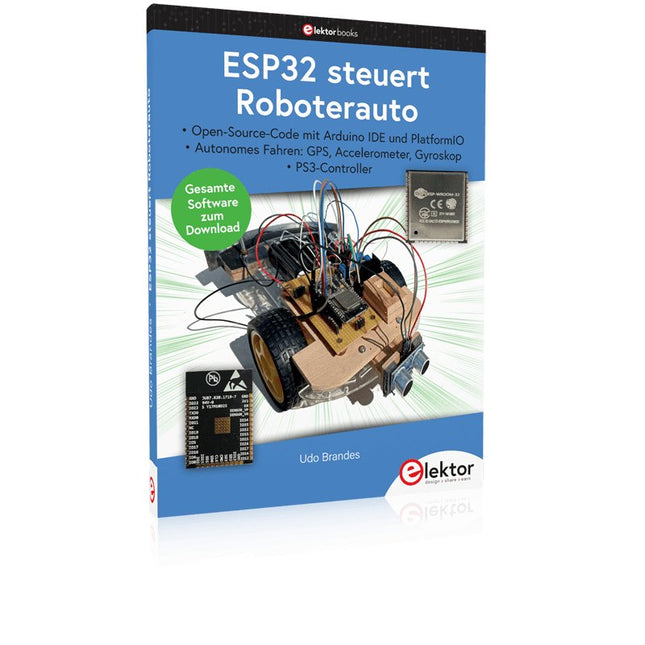
Open-Source-Code mit Arduino IDE und PlatformIO
Autonomes Fahren: GPS, Accelerometer, Gyroskop
PS3-Controller
Mikrocontroller wie der Arduino und Einplatinenrechner wie der Raspberry Pi haben sich zu beliebten Komponenten entwickelt. Dritter im Bunde ist der ESP32 der Firma Espressif. Mikrocontroller dieser Baureihe zeichnen sich durch eine Vielzahl implementierter Funktionen aus, die bei einem Arduino konventioneller Prägung mit einem Atmel-AVR-Mikrocontroller erst mit weiterer Hardware möglich sind. Prominentes Beispiel sind hier die WiFi- und Bluetooth-Funktionalitäten. Gegenüber einem Raspberry Pi zeichnen sie sich durch einen deutlich geringeren Preis aus.
Allgemeine Informationen für die Realisierung eines Roboterauto-Projekts mit dem ESP32 sind leicht zu finden. Dabei handelt es sich aber oft nur um Ausführungen zu einem Teilaspekt, ohne inhaltliche oder funktionale Abstimmung. So ist nicht nur die Beschaffung der benötigten Informationen mühselig und zeitaufwändig, sie kann auch außerordentlich fehlerträchtig sein.
Ansatzpunkt dieses Buches ist, diese Lücke zu schließen. Es geht auf verschiedene Möglichkeiten eines Chassis ein, vermittelt nötige Kenntnisse und führt schrittweise von einer einfachen Motorsteuerung zu einem komplexen sensor- und sprachgesteuerten Roboterauto. Hacks rund um GPS und eine PlayStation 3 runden die Sache ab.
Inhalt
Bei der Reihenfolge der Kapitel wurde versucht – beginnend bei der Darstellung von grundlegenden Informationen – über die Lösung einfacher Aufgaben zu etwas anspruchsvolleren Techniken zu führen.
Der Mikrocontroller ESP32
Die Software erstellen
Die Stromversorgung
Rund um die Hardware
Das Chassis
Der Gleichstrommotor
Kabellose Steuerung über WiFi
Mit Sensoren Hindernisse erkennen
Eine eigene Roboterauto-App
Servo und Lichtsensor
GPS
Accelerometer / Gyroskop
PS3-Controller
Roboterauto-App
Hinweis zur Software
Die Dateien haben das Suffix (.cpp). Grund ist die Entwicklung mit PlatformIO. Mit Copy & Paste sollten sie auch in der Arduino-IDE verwendet werden können.